
14 · Movement & breath
Stretchline
Stand up before your back asks.
Stretchline lives in the menu bar and notices when you have been sitting too long. It waits for your calls and full-screen apps to end, then leads a short routine next to your desk, shown by a line figure.

A break that knows when
03- 01
It counts real sitting
Only the time you actually spend at your Mac. Step away for five minutes and the count starts over.
- 02
It waits for your calls
No nudges while any app is using the microphone or something runs full screen. The break comes after.
- 03
It builds up gently
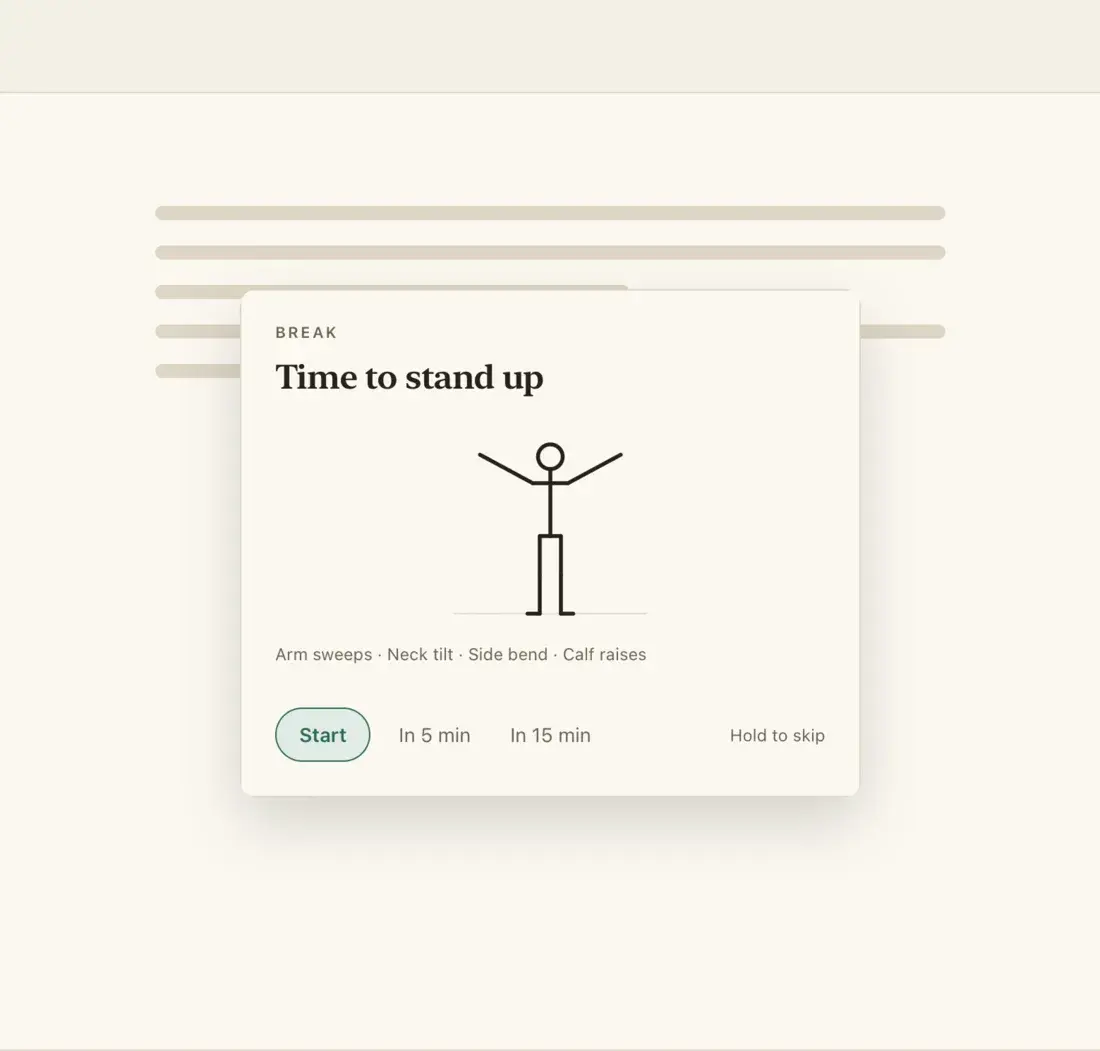
A small note under the menu bar, then a card, then a dimmed screen. Choose Gentle, Normal or Strict.
Stop if anything hurts. Stretchline is not a medical device.
A look inside
03- 01
The break card
- 02
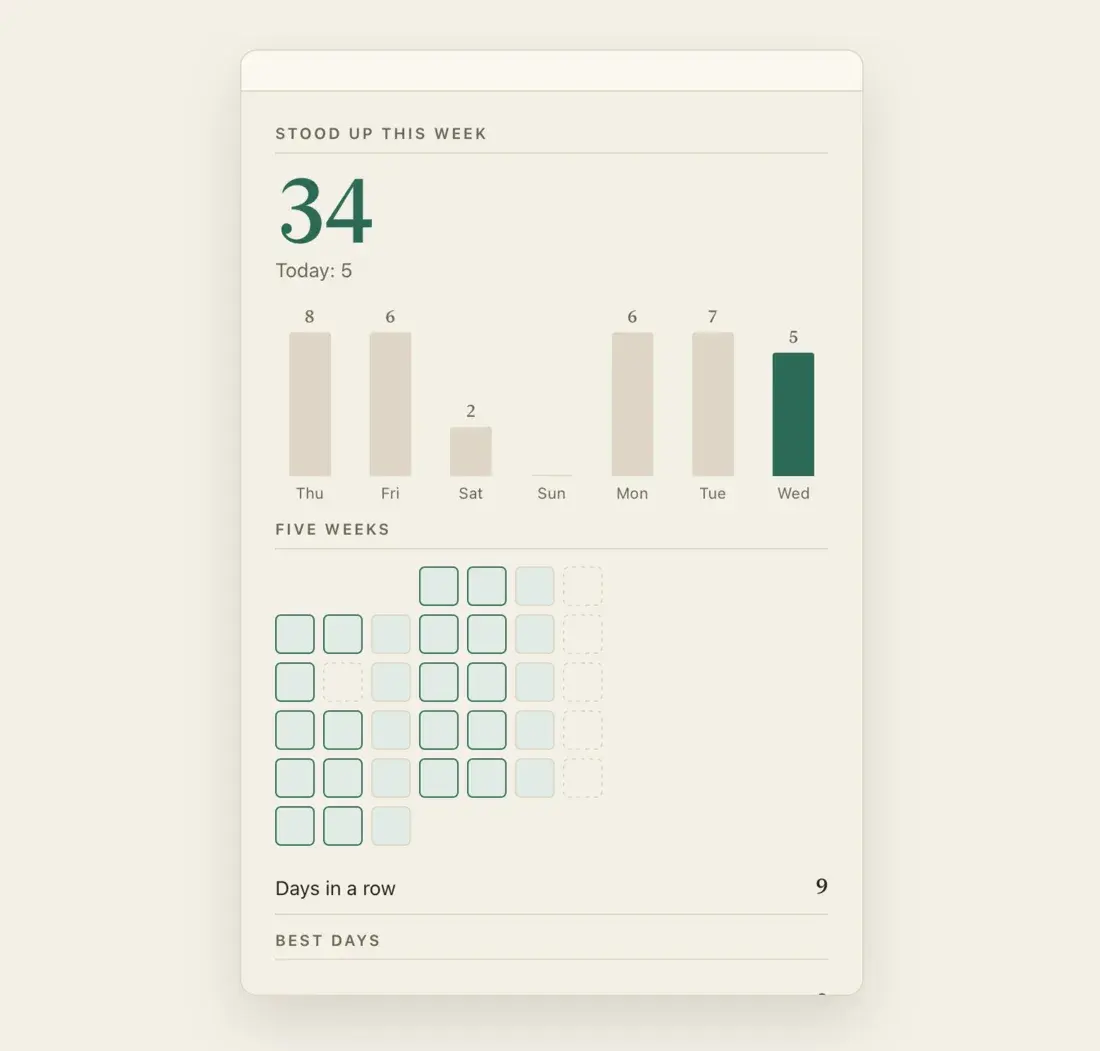
Your week
- 03
Eye breaks
The routine and everything around it
06- 01
Follow the figure
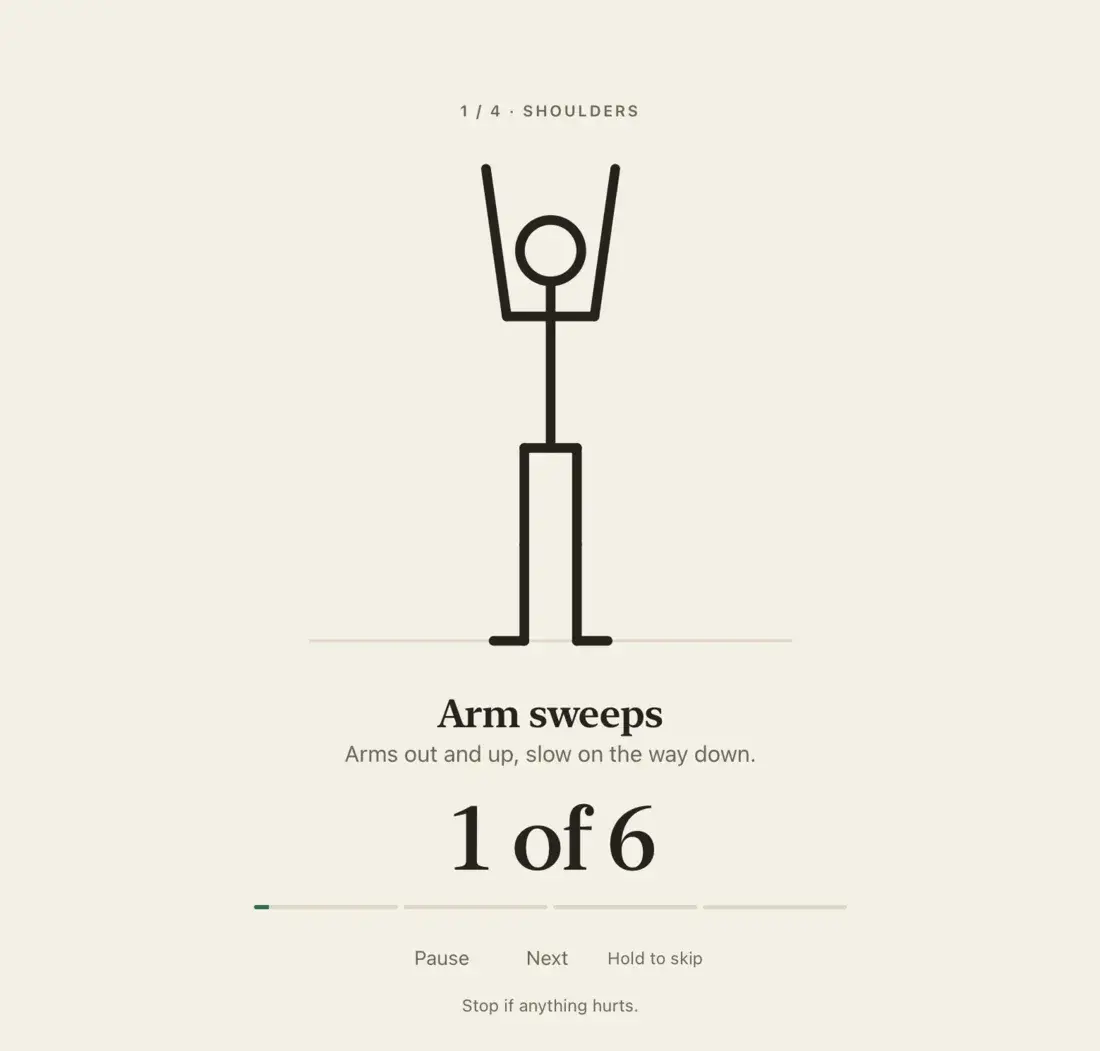
Three to five moves in one to five minutes. A line figure shows each one, with a timer or a rep count and a soft bell between moves.
- 02
Mobility
Neck, shoulders, wrists, back, hips, legs and eyes. Everything works standing next to your desk: no floor, no equipment.
- 03
Energize
For when you need to wake up: squats, desk push-ups, lunges, jumping jacks and more.
- 04
Eye breaks
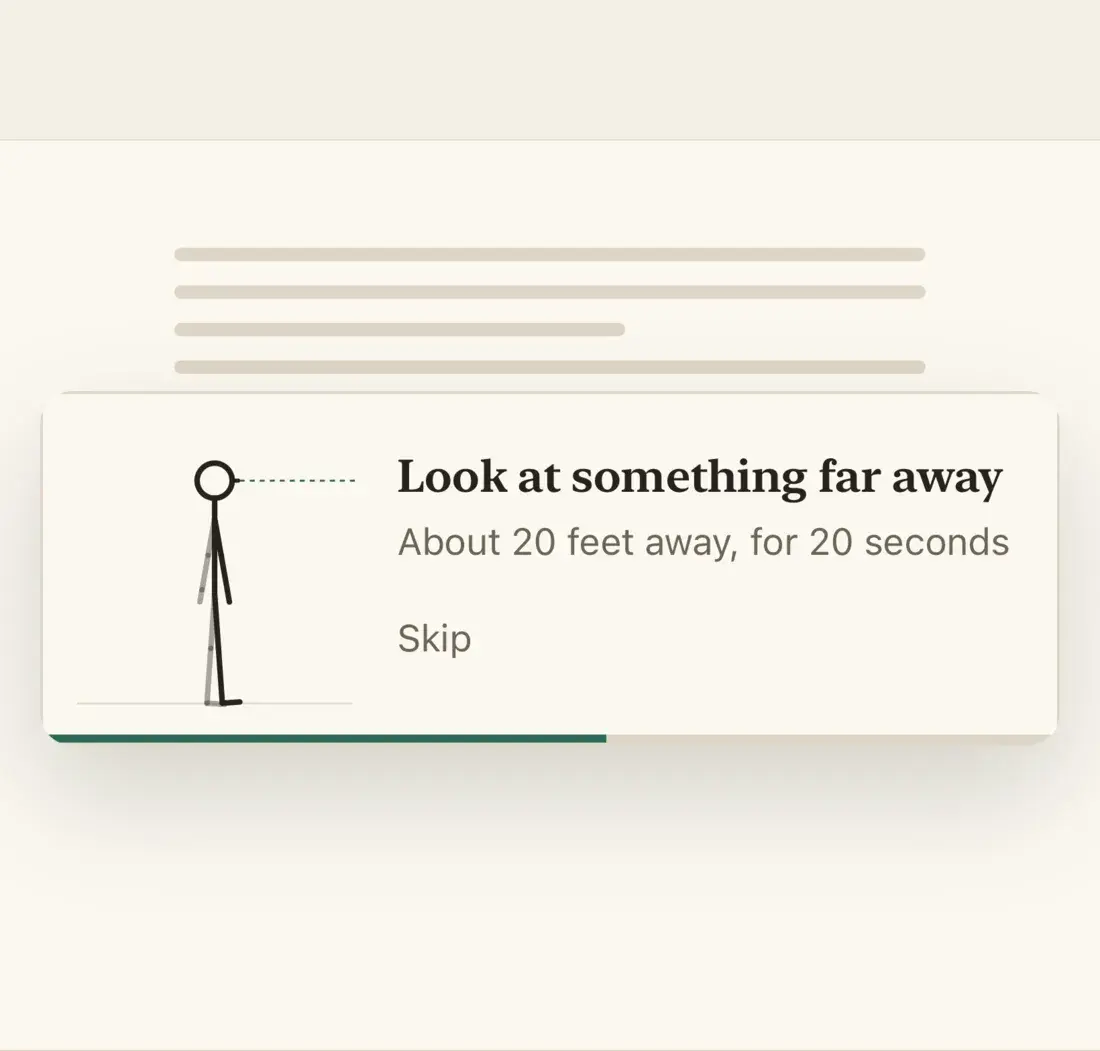
Every 20 minutes a small note asks you to look into the distance for 20 seconds, then closes by itself.
- 05
Snooze or skip
Put a break off twice in a row, or skip it any time by holding the button.
- 06
Calendar and work hours
With Pro, a break never starts just before a meeting and can come right after one, and it stays quiet in the evening and at the weekend.
Private by design
- No account and no sign-in.
- Works offline.
- Calendar times stay on your Mac.
- No ads and no analytics.
Free and Pro
Free
- Breaks that wait for your calls
- All three levels
- Eye breaks
- 15 mobility exercises
- One energize break a day
Pro
One purchase, no subscription
- Energize and all 31 exercises
- Auto mode: energize in the morning and after lunch
- My set: only the exercises you pick
- Work hours and calendar
- History: your week, five weeks and your streak
- Standing desk reminders
The free version plays one energize break a day, so you can try it first.
Get up, then get back to work
Stretchline for Mac. A short break at the right moment.